 PH
PHInstructions:
Download Amaze VPN in Playstore
Download Pdanet Pc and APK(Note: Pdanet Apk must be a pro version)
Then:
Install Pdanet pc in your Laptop and to your cp
Turn on your data
Open Amaze Vpn choose server and click connect.
Connect your phone to your laptop
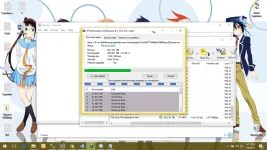
Open Pdanet in your cp and choose Activate Usb Mode(Wait the text below to become like this USB Tether Connected!)
Click Show Hidden Icons in your task bar and right-click the phone icon and choose connect to usb(something like that)
Enjoy FreeNet With No Capp Dpende ang Speed sa Signal nyo.
Download Amaze VPN in Playstore
Download Pdanet Pc and APK(Note: Pdanet Apk must be a pro version)
Then:
Install Pdanet pc in your Laptop and to your cp
Turn on your data
Open Amaze Vpn choose server and click connect.
Connect your phone to your laptop
Open Pdanet in your cp and choose Activate Usb Mode(Wait the text below to become like this USB Tether Connected!)
Click Show Hidden Icons in your task bar and right-click the phone icon and choose connect to usb(something like that)
Enjoy FreeNet With No Capp
Dpende ang Speed sa Signal nyo.