 PH
Griffin Unlocker Tool With Loader By GSM SERVER Free Limited Time Only!
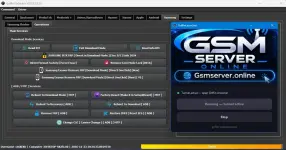
 Griffin Unlocker — FREE ACCESS GUIDE
Griffin Unlocker now available for free through GSM Server Online!
Follow the simple step-by-step instructions below to get started.
Step 1 — Visit Our Website
Inside The Rar The Link
Step 2 — Create Your Account
- Click on Create Account / Sign Up.
- Register using your Google account.
- Complete the registration process.
Step 3 — Download Griffin Unlocker Launcher
- Log in to your account.
- Download the Griffin Unlocker Launcher.
Step 4 — Griffin Unlocker
- Download the Griffin Unlocker Setup from any website.
Step 5 — Prepare Your Files
- Create a new folder on your PC.
- Place both downloaded files inside the same folder:
1. Griffin Unlocker Loader
2. Griffin Unlocker Setup
Step 6 — Griffin Unlocker
- Run the Griffin Unlocker Launcher.
- Click the START button.
- Wait for the launcher to initialize.
- Once ready, start Griffin.
Step 7 — Login and Enjoy!
- Open Griffin Unlocker.
- Login using the same Google account Gmail you used to register on our website.
- Enter the password associated with your GSM Server Online website account.
- Complete the login process.
 That's it! Griffin Unlocker for FREE!
---
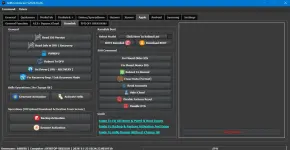
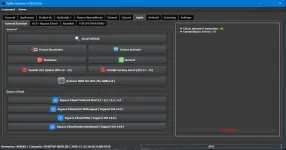
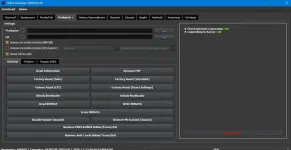
Download Link:
You do not have permission to view the full content of this post. Log in or register now.