 PH
PHMay ginawa Akong tools w/ the help of AI na similar sa herdr if familiar kayo but for termux - android. Baka makahelp din sa inyo
## Core features
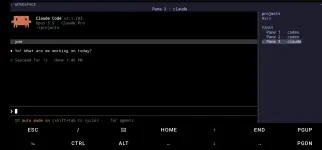
## Screenshots
##Quick Start
##How to Install
## Core features
- Persistent workspaces, tabs, and terminal panes
- Background sessions that keep running after detaching
- Session resume for Claude Code, Codex, and Antigravity
- Touch-friendly Termux interface
- Responsive portrait and landscape layouts
- Agent status tracking with optional sound alerts
- Full terminal colors, scrollback, mouse input, and paste
support
- Real PTY panes for AI agents and regular shell commands
- Project-specific workspace and session organization
- Built-in customizable themes
## Screenshots
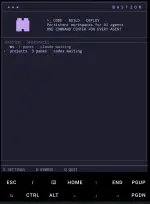
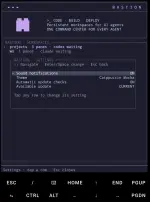
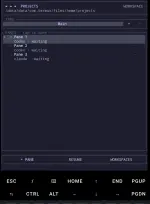
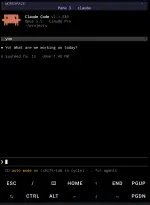
##Quick Start
Open Bastion and view your saved workspaces:
bastion
Add and open your current directory:
bastion open .
Add and open another project:
bastion open ~/path/to/project
##How to Install
You do not have permission to view the full content of this post. Log in or register now.
Pafeedback nlng kung may issue, thank you