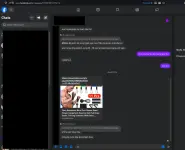
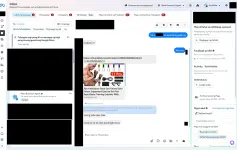
- Mag-switch profile ka sa mismong Page mo sa Facebook:
ung gamit po nmen sir is mismong page na po at walang Messenger dito rekta business suite
- Messenger Desktop App (Windows/Mac)
di po ba naalis na ung messenger app sa desktop?
pero wait sir try ko po lahat ng sinabi nyo
tama ka boss, my bad! na-phase out na nga pala ni meta yung standalone messenger desktop app sa windows at mac.
tungkol naman doon sa nire-redirect ka pa rin kusa sa business suite kapag naka-switch profile na sa page, auto-redirect kasi talaga yan ng new page experience.
eto yung pinakamabilis na workarounds para ma-bypass yan sa pc:
1. direct web link sa pc
habang naka-switch ka sa page profile, i-type mo directly ito sa address bar ng browser:
You do not have permission to view the full content of this post.
Log in or register now.
(minsan tinatalon nito ang business suite redirect at binubuksan yung mismong web chat).
2. mobile view url sa pc (sureball solution)
kung ayaw talaga at pinipilit ka pa rin ibato sa business suite, buksan mo ito sa browser mo sa pc:
You do not have permission to view the full content of this post.
Log in or register now.
mobile version yan ng facebook pero bubukas yan sa pc browser mo. dahil mobile web engine ang gamit niyan, lumalabas lahat ng forwarded links, images, at attachments nang maayos.
3. test sa incognito without adblock
kung sa business suite ka pa rin magtatrabaho, try mo muna i-off pansamantala ang mga adblockers o buksan sa incognito window para ma-check kung may browser extension lang na humaharang sa forwarded elements.
balitaan mo kami boss kung gumana yung mobile url or direct link sa inyo!
 PH
PH