PH
PHA simple Chrome Extension for anyone who wants a quick and easy way to stream Netflix, Prime Video and 𝙲𝚛𝚞𝚗𝚌𝚑𝚢𝚛𝚘𝚕𝚕.
If you have any questions or encounter any issues, comment down below.
 Installation — PC
- Download and extract the ZIP file.
- Open Chrome and go to chrome://extensions/.
- Turn on Developer mode.
- Click Load unpacked.
- Select the extracted Extension folder.
 Installation — Android
Note: Regular Google Chrome on Android does not support Chrome extensions. You will need a compatible browser such as Kiwi Browser or Mises Browser that supports extensions.
- Install a supported browser.
- Download the ZIP file.
- Open the browser's Extensions page.
- Enable Developer mode, if required.
- Select Load unpacked and choose the downloaded ZIP file.
 How to Use
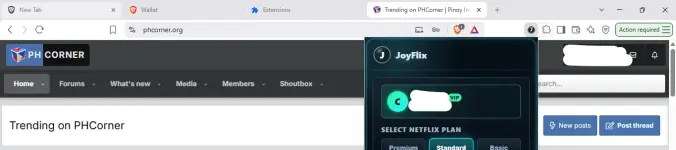
- Open the installed Chrome Extension.
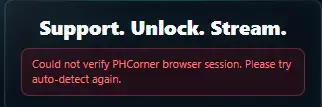
- Verify your access using your PHC account.
- Choose your preferred plan
- Choose your device
- Start streaming.

 Download
You do not have permission to view the full content of this post. Log in or register now.
If you have any questions or encounter any issues, comment down below.

.webp "(ditto) :(ditto):")