PH
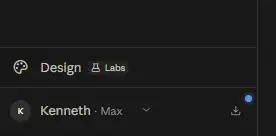
PHClaude Max X20 Method
Tampermonkey : You do not have permission to view the full content of this post. Log in or register now.
Tutorial: You do not have permission to view the full content of this post. Log in or register now. [guide para gumana script You do not have permission to view the full content of this post. Log in or register now.]
script: You do not have permission to view the full content of this post. Log in or register now.
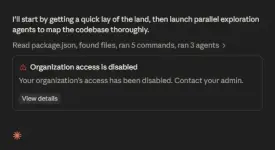
Even if this method is working, it would probably last only for a few days
credit- You do not have permission to view the full content of this post. Log in or register now.
Tampermonkey : You do not have permission to view the full content of this post. Log in or register now.
Tutorial: You do not have permission to view the full content of this post. Log in or register now. [guide para gumana script You do not have permission to view the full content of this post. Log in or register now.]
script: You do not have permission to view the full content of this post. Log in or register now.
1. Install and open Lemur Browser.
2. Open the Extensions menu.
3. Install the Tampermonkey extension.
4. Launch Tampermonkey.
5. Tap "Create a New Script."
6. Remove the default template.
7. Paste the provided userscript.
8. Save the script.
9. Visit the official website.
10. Create a new account or sign in.
11. Verify your email if requested.
12. Choose the plan that best suits your needs.
13. Change country from Germany to USA in billing page
14. Complete the checkout
Even if this method is working, it would probably last only for a few days
credit- You do not have permission to view the full content of this post. Log in or register now.