PH
PH Important Prerequisite: You must use an older, established GitHub account to register. New accounts will not work.
How to Claim Your Credits:
1.Go to the Sign In page:Do not use the username registration.
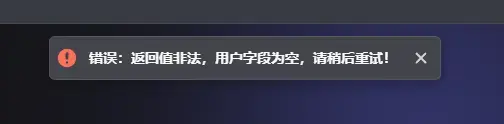
Copy and open the [You do not have permission to view the full content of this post. Log in or register now.], then click the Sign In button in the top right corner. (Attempting to register with a standard username is no longer supported and will give you an error).
2.Use the GitHub workaround:
Once you are on the Sign In page, paste the [You do not have permission to view the full content of this post. Log in or register now.] again into your browser's address bar and hit enter. This will refresh the page and allow you to successfully register using GitHub.
3.Generate your API Key:
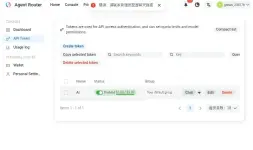
Once logged in, navigate to the API Token section and generate a new token.
4.Verify your models:
You can view your API key and check the full list of available models (like Opus-4.8 and Deepseek V4 Pro) under the Model Restrictions list.
Compatibility Note: These API credits will only work with authorized providers. Currently, this includes RooCode, Kilocode, and Claude Code.