 PH
PH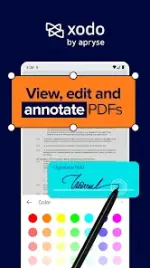
Application Overview: Xodo v10.15.0 [Pro]
Xodo is an integrated PDF management utility that combines viewing, editing, scanning, and format conversion functionalities into a unified interface. The application is optimized for document workflows, productivity, and academic use.Technical Details
| Feature | Details |
|---|---|
| Minimum OS Requirement | Android 7.0+ |
| Application Version | v10.15.0 |
| License Type | Pro / Mod Extra (ρáíd features unlocked) |
| Optimization Patches | Unwanted permissions/receivers/providers/services disabled; Ads layout, links, and permissions removed; Debug code removed; Analytics/Crashlytics/Firebase tracking disabled. |
Core Functionality
- PDF Viewer & Management: Fast document rendering engine supporting seamless page navigation, zooming, and cross-device cloud synchronization.
- PDF Editor & Annotation: Direct document manipulation including highlighting, underlining, drawing, text insertion, and content redaction.
- Document Scanner & OCR: Digitizes physical documents (receipts, notes, contracts) via camera capture. Features image enhancement and Optical Character Recognition (OCR) to generate searchable PDFs.
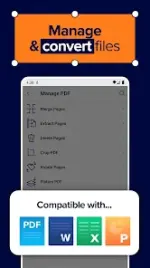
- PDF Converter: Bi-directional conversion support between PDF and external formats including Microsoft Word, Excel, PowerPoint, JPG, PNG, HTML, and PDF/A.
- Form Filler & E-Signatures: Automated detection of interactive form fields with native electronic signature integration for secure document execution.
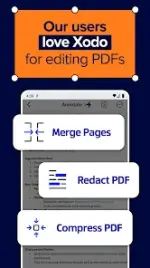
- Advanced File Manipulation: Tools for cropping, flattening, page-rotation, content extraction, merging, splitting, and file size compression.
What's New
- Toolbox Enhancements: Implementation of the "Featured Tools" section within the Toolbox, Viewer, and file manager to provide accelerated access to frequently used utilities.

.webp "(ditto) :(ditto):")
