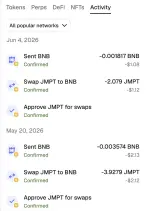
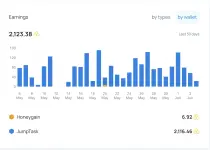
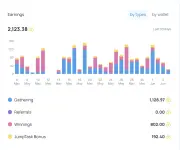
PH
PHGood day everyone! Sa mga gumagamit ng Honeygain(Passive Income) na gustong mapabilis ang earning, may tricks tayo jan!
Honeygain + JumpTask(Watch & Earn) Tricks!
Let's start!
1. Register to this link: You do not have permission to view the full content of this post. Log in or register now.2. Register to this link: You do not have permission to view the full content of this post. Log in or register now.
3. Link your Honeygain account to your JumpTask account para may 10% bonus gift.
4. Once setup, dito na papasok yung trick!
Trick actual guide! (Note: This is for Watch & Earn, fastest way of earning ito)
Just a reminder, normally, ang Watch & Earn is hindi mabilis dahil need mo pang i search and hanapin yung tamang video sa youtube, which is dito ma aapply yung trick natin!1. Go to your Honeygain Dashboard, click JumpTask wallet then click JumpTask dashboard:
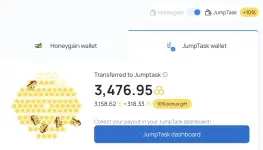
2. Scrolldown, then makikita mo yung "All tasks", I fliter mo yung Watch & Profit.
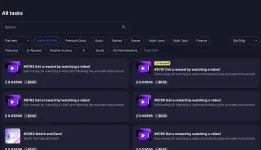
3. Select a task then ito makikita nyo, wag nyo na i follow yung buong instructions.
Click on Start Task > Close the new tab (Kase mag oopen ng google search ito)
Balik sa JumpTask > Click "looks like this." (Mag oopen to ng sample image, exactly the thumbnail na need mong hanapin).

Ito yung makikita mo sa new tab doon sa "looks like this."
Ngayon, ang kailangan mo lang gawin is i right click yung picture > Then click "Search image with Google".

Then ito yung makikita nyong result: Nasa unahan agad yung youtube link.

After that, click mo yung link ng youtube, follow the instructions, again, then boom. Wait mo nalang yung reward.