 PH
PH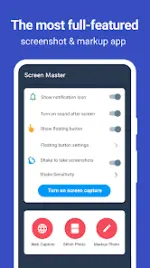
Application Overview: Screen Master (v1.8.0.35 Pro Mod)
Screen Master is a screenshot capture and photo markup utility for Android devices that operates without requiring root access. It supports high-quality image saving in PNG format, external SD card storage, and integrates with Android 7.0 Shortcuts and QuickTile features.Technical Specifications
| Parameter | Details |
|---|---|
| Version | v1.8.0.35 (Pro / Premium Unlocked) |
| OS Requirement | Android 6.0 and up |
| Format Support | Lossless PNG, External SD Card storage |
| Modifications | Premium features unlocked, debug info removed (Mod by Mixroot) |
| Permissions Note | Utilizes Android Accessibility Service for long screenshot functionality (no data collection) |
| Limitations | Cannot capture secure pages (e.g., banking apps, password inputs, protected YouTube content) |
Key Functionalities
1. Screen Capture Methods
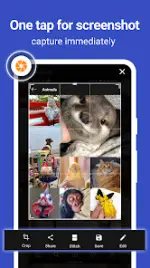
- Floating Button: An overlay button accessible across applications for single-click capture.
- Device Shaking: Triggers a screenshot by shaking the hardware device.
- Web Capture: Captures a full-page webpage by sharing the target URL directly to the application.
- Long Screenshot & Stitching: Captures scrolling content or automatically stitches multiple images horizontally or vertically.
2. Image Annotation and Markup
- Cropping & Rotation: Supports rectangular, round, star, triangle, and custom shape crops.
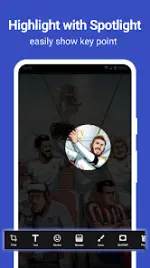
- Visual Enhancements: Includes a Spotlight feature to highlight key info and a Loupe tool to magnify sections.
- Privacy Tools: Blur and pixelation tools to obfuscate sensitive information.
- Graphics & Text: Subtitles/text entry (with customizable color, background, shadow, stroke, and size), emoji stickers, and standard drawing tools (Arrow, Rectangle, Circle, Pen).
- Media Support: Direct annotation of large resolution images and gallery imports without mandatory pre-cropping.
Release Notes
- Bug fixes and general performance enhancements.