 PH
PH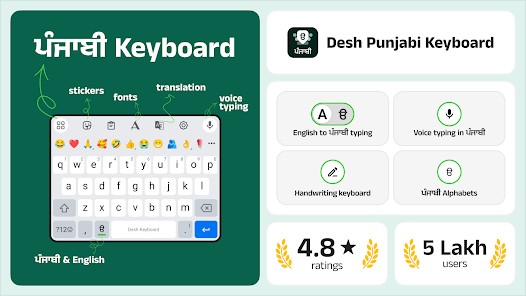
Technical Overview
| Attribute | Details |
|---|---|
| App Name | Desh Punjabi Keyboard |
| Version | v17.3.2 [Premium] |
| OS Requirement | Android 6.0 and up |
| Supported Devices | Android phones and tablets |
Key Features
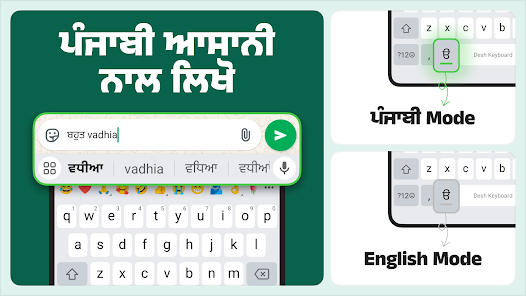
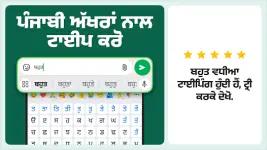
- Phonetic Transliteration: Converts English characters instantly into the Gurmukhi script. Works globally across all Android applications.
- Multiple Input Modes:
- English-to-Punjabi typing with word suggestions.
- Punjabi voice typing.
- Punjabi handwriting recognition.
- Hindi voice typing using English letters.
- UI Customization: Includes 21 colorful themes.
- Emoji & Media Integration: Dedicated emoji keyboard (accessible via long-press on the '123' button), stickers, and GIFs. Contextual emoji suggestions display during active typing.
- Language Toggle: Quick-switch button to alternate between English and Punjabi layouts.
- Utility Tools: Built-in App Search feature to locate installed applications and discover relevant content. Status saver functionality accessible via an upward swipe gesture.
Installation & Setup
- Launch the application post-installation.
- Enable the keyboard and set it as the default input method.
- Access settings to customize behavior and select from the 21 available themes.
Data Privacy
- No collection of personal data or credit card information.
- Collects anonymous statistics strictly for optimization and performance analysis.