 PH
PH
RS File Manager - RS File Explorer v2.2.9 (Build 232) [Pro]
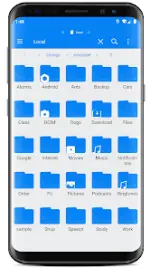
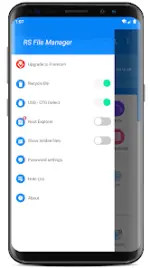
RS File Manager is a full-featured file exploration and management application for Android devices, designed to manage local, network, and cloud-based files.Specifications
| Technical Detail | Specification |
|---|---|
| Version | v2.2.9 (Build 232) |
| Android Compatibility | Android 6.0+ (Android 16 supported) |
| Architecture / DPI | 120dpi, 160dpi, 240dpi, 320dpi, 480dpi, 640dpi |
| Language Support | Full Multi Languages |
| Modification State | PRO Activated, Premium, Debug info removed |
Core Functionality
- Standard File Operations: Supports multiple select, cut, copy, paste, move, create, delete, rename, search, share, send, hide, and bookmarking.
- Storage & Disk Analysis: Provides overview of space usage, large files, file categories, recent files, and folder sizes.
- Archive Management: Compresses and decompresses Zip, Rar, 7zip, and obb formats. Allows viewing of APK files as ZIP and interaction with ZIP files as standard folders.
- Security: Features 128-bit file encryption.
Network & Cloud Protocols
| Connection Type | Supported Services / Protocols |
|---|---|
| Cloud Storage | Google Drive™, Dropbox, OneDrive, Yandex, Box, Google Shared Drive, Mega™, NextCloud |
| Network Storage | FTP, FTPS, SFTP, WebDAV |
| Local Area Network (LAN) | SMB 2.0, NAS, CIFS, FTP, HTTP |
| PC-to-Device | Remote access files from PC, USB OTG |
Additional Features
- App Manager: Built-in tool for managing installed applications.
- Root Explorer: Advanced access for rooted Android devices.
- Media Thumbnails: Supports thumbnail previews for images, videos, and various file types.
- Efficient Search: Indexed file search for immediate retrieval.
Changelog
- Performance optimizations.
- General bug fixes.