 PH
PH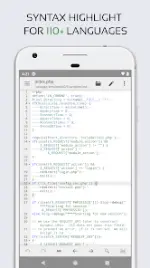
Application Overview
Code Editor is an optimized text editor focused on coding and development for the Android platform. It includes essential development features such as syntax highlighting, auto-indentation, code assist, auto-completion, and code compilation and execution.Technical Specifications
| Property | Details |
|---|---|
| Version | v0.11.7 (Build 112) |
| OS Requirement | Android 7.0+ |
| Languages | Multi-language support |
| Supported DPIs | 120dpi, 160dpi, 240dpi, 320dpi, 480dpi, 640dpi |
| Mod Status | Premium Activated (Debug info removed) |
| Credit | NURIK |
Key Features
Code Editing & Navigation
- Language Support: Syntax highlighting for over 110 languages (including C++, Java, JavaScript, HTML, Markdown, PHP, Perl, Python, Lua, Dart).
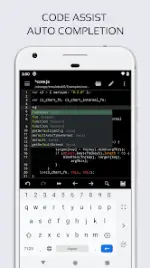
- Code Intelligence: Code assist, code folding, auto-completion, and automatic indent/outdent.
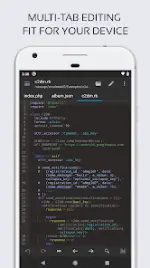
- Navigation & Search: Multi-tab navigation, unlimited undo/redo, regex-based search and replace, and matching parenthesis highlighting.
- Interface Options: Toggleable line numbers, invisible character display, 3 application themes, and over 30 syntax highlighting themes.
- Hardware Support: Physical keyboard integration, including customizable key combinations.
Compilation & Web Development
- Online Compiler: Capability to compile and run over 30 common languages (including Python, PHP, Java, JS/NodeJS, C/C++, Rust, Pascal, Haskell, Ruby).
- Web Tools: Integrated Emmet support, HTML and Markdown file preview, and a built-in JavaScript console for code evaluation.
Cloud & Remote Connectivity
- Network Protocols: File access via FTP, FTPS, SFTP, and WebDAV.
- Version Control: Direct integration with GitHub and GitLab.
- Cloud Storage: Remote file access via Google Drive, Dropbox, and OneDrive.
Changelog (v0.11.7)
- Minor bug fixes and stability improvements.