 PH
PH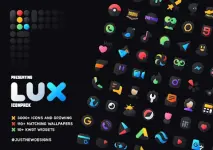
Technical Details
| Detail | Specification |
|---|---|
| Current Version | v5.5 [Patched] / Premium |
| Android Compatibility | 5.0 and up |
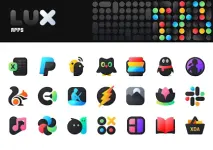
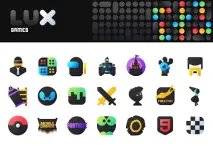
| Icon Count | 3900+ high-quality icons |
| Wallpaper Count | 500+ matching wallpapers |
| Widget Count | 10+ KWGT Widgets |
Design & Features
- Visual Style: Dark icons combined with saturated colors adaptive to the original app branding. Designed for both dark and light setups, optimized for AMOLED displays.
- Dashboard: Material Dashboard featuring icon preview, search functionality, and an easy icon request tool.
- Icon Variations: Includes dynamic calendar support, custom folder icons, category-based organization, custom app drawer icons, and alternative icon choices.
Configuration Guidelines
Recommended Settings (Nova Launcher)
- Icon Normalization: Off
- Icon Size: 100% - 120%
Installation Steps
- Install a compatible theme launcher.
- Open Lux Icon Pack, navigate to the Apply section, and select your launcher.
- Alternative: If the launcher is not listed in the dashboard, apply the icon pack directly via your launcher's theme settings.
Launcher Compatibility
Directly Supported (Apply Section)
Action Launcher, ADW Launcher, Apex Launcher, Atom Launcher, Aviate Launcher, CM Theme Engine, GO Launcher, Holo Launcher, Holo Launcher HD, LG Home, Lucid Launcher, M Launcher, Mini Launcher, Next Launcher, Nougat Launcher, Nova Launcher (Recommended), Smart Launcher, Solo Launcher, V Launcher, ZenUI Launcher, Zero Launcher, ABC Launcher, Evie Launcher, L Launcher, Lawnchair.Tested & Supported (Apply via Launcher Settings)
Arrow Launcher, ASAP Launcher, Cobo Launcher, Line Launcher, Mesh Launcher, Peek Launcher, Z Launcher, Launch by Quixey Launcher, iTop Launcher, KK Launcher, MN Launcher, New Launcher, S Launcher, Open Launcher, Flick Launcher, Poco Launcher.Note: Certain OEM launchers (e.g., OnePlus, Poco) allow icon pack application natively without third-party launchers.
Main link: Download