 PH
PH
App Overview
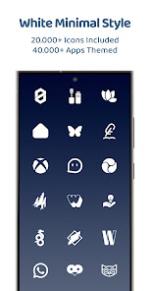
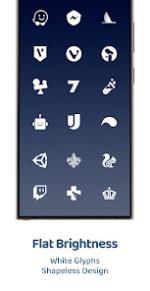
White Moonlight Icon Pack is a minimalist, shapeless, pure white essential icon pack designed to provide a clean and sophisticated aesthetic for Android homescreen launchers.Specifications & Version Info
| Attribute | Detail |
|---|---|
| Version | v6.6 [Patched] [Premium] |
| Android Compatibility | 5.0 and up |
| Requirement | Third-party launcher or OEM compatibility layer |
Features
Icon & Wallpaper Asset Statistics
- Total Icons: 25,000+ white moonlight icons
- Themed Apps: 45,000+ applications covered
- Wallpapers: Exclusive contrast-optimized wallpapers included
- Updates: 570+ new icons added; 2,750+ older icons redesigned
Functionality
- Dynamic Calendars: Supported across compatible launchers.
- Dashboard: Built on the Material You user-friendly framework.
- Icon Masking: Applied automatically to provide a consistent background for unthemed apps.
- Icon Requests: Built-in tool supporting both Free and Premium request tiers.
- Documentation: Integrated FAQ section addressing common configuration questions.
App Coverage Categories
- System Apps
- Google Apps
- Stock OEM Apps
- Social Apps
- Media Apps
- Games
Compatibility & Deployment
Implementation Guide
- Install a compatible third-party launcher from the list below.
- Open the White Moonlight Icon Pack application dashboard and select Apply, or manually select the icon pack within the chosen launcher's internal settings.
Supported Launchers
| Launcher Type | Compatible Launchers |
|---|---|
| Third-Party & OEM Launchers | Action, ADW, Before, Color OS, Go EX, HiOS, Hyperion, KISS, Kvaesitso, Lawnchair, Lucid, Microsoft Launcher, Niagara, Nothing, Nougat, Nova Launcher, OxygenOS, Pixel (requires Shortcut Maker), POCO, Projectivy, Realme UI, Samsung One UI (requires Theme Park), Smart, Solo, Square, TinyBit |
Main link: Download