 PH
PH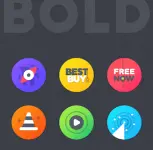
App Overview
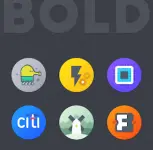
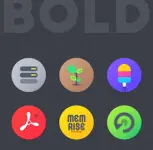
Bold Icon Pack is a premium customization application featuring unique, round icons designed with smooth color gradients.Technical Specifications & Compatibility
| Attribute | Details |
|---|---|
| Version | v2.9.9 [Patched] / Premium |
| Android OS Requirement | 5.0 and up |
| Recommended Launcher | Nova Launcher |
| Recommended Settings | • Icon Normalization: Off • Icon Size: 110% - 130% |
Core Features
- Icon Library: 2640+ unique round icons with alternative icon options.
- Customization: Dedicated custom folder icons and dynamic calendar support.
- Assets: Cloud-based wallpapers integrated into the app.
- Dashboard: Built on the Material Dashboard framework.
- Requests: Includes both standard and premium icon request tools.
- Updates: Regular maintenance and asset additions.
Supported Launchers
The application requires a compatible launcher to function. It supports the following environments directly or via manual settings:- Nova Launcher (Recommended)
- Lawnchair Launcher
- Microsoft Launcher
- Smart Launcher
- ADW Launcher
- Action Launcher
- Apex Launcher
- Go Launcher
- Poco Launcher
- Evie Launcher
- Next Launcher
- Solo Launcher
- Hyperion Launcher
- Niagara Launcher
- Total Launcher
- CM Theme Engine
- Note: Other unlisted launchers may also be compatible via manual application through launcher settings.
Application Setup
- Install a supported launcher from the list above.
- Open Bold Icon Pack, navigate to the Apply section, and select the active launcher.
- If the launcher is not listed, apply the icon pack manually through the specific launcher's internal settings menu.
- Access the in-app help section for FAQs and troubleshooting.
Changelog (v2.9.9)
- Added 40 new icons.
- Updated the core dashboard.
- Fixed numerous activity mappings.