 PH
PH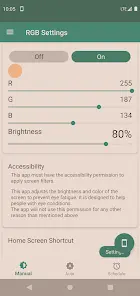
App Overview: RGB Settings v6.9.4 [Premium]
RGB Settings is a screen filter utility that provides granular control over display hues using a full RGB palette. The application is designed to mitigate eye strain through blue light reduction and enhance focus via custom color overlays.Technical Specifications
| Category | Requirement / Detail |
|---|---|
| Minimum OS | Android 7.0+ |
| Supported OS | Up to Android 16 |
| Architecture | armeabi-v7a, arm64-v8a |
| Permissions | Accessibility Service (required for screen filter overlay) |
| Languages | Multi-language support |
Core Functionality
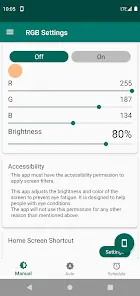
- Custom Color Filtering: Full RGB palette for orange/yellow (blue light reduction), black (ultra-low brightness), or custom focus-enhancing hues.
- System Integration: Options to apply filters to the notification area, lock screen, and navigation bar.
- Automation:
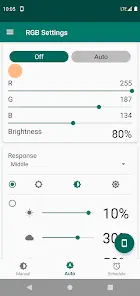
- Auto Mode: Adjusts screen color based on ambient light sensors.
- Schedule Mode: Sets color and brightness based on specific time intervals.
- Utility & UI:
- Quick Setting Window for real-time adjustments.
- Notification area and home screen shortcuts.
- Screenshot bypass (captures images without the filter overlay).
- Efficiency: Minimal background processing to preserve battery life.
Mod Details
| Feature | Specification |
|---|---|
| Status | Premium / Pro Features Unlocked |
| Optimization | Debug codes removed; redundant files cleaned |
| Version | v6.9.4 |
| Contributor | TRUMods |
Changelog
- Added support for Android 16.
- General bug fixes and stability improvements.