PH
PH
First to send github cookie only
Note: Risky po ito kaya dont use your main account!!.
First to send github cookie only
Note: Risky po ito kaya dont use your main account!!.
Github Account must
-3 days old above
-2FA enable you can enable it n You do not have permission to view the full content of this post.
Log in or register now.
DM for solo account verification
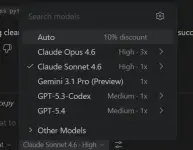
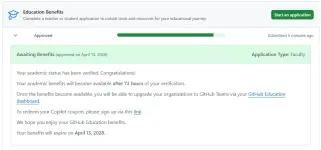
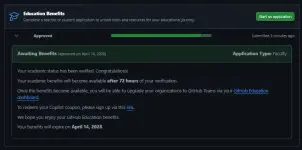
TEACHER PACK FEATURES & SPECS
Feature | Teacher Pack Benefits |
|---|---|
GitHub Copilot Plan | Copilot Pro |
Model Selection | Manual Selection Enabled |
Premium Models | Full Access (GPT-5.4/Claude Opus/Sonnet) |
GitHub Team (Org) | Unlimited Seats for Teams |
GitHub Classroom | Full Admin Access |
You do not have permission to view the full content of this post. Log in or register now.
How To Get Cookie — PC / Laptop
 PC / LAPTOP:
 Log in to github.com
 Open DevTools — press F12
 Go to the Network tab
 Refresh the page
 Click any request in the list
 Scroll to Request Headers
 Copy the full value of Cookie
 MOBILE (ANDROID):
1. Download Lemur Browser on PlayStore.
2. Login to Github.com in Lemur Browser.
3. Click 3 dots on top right > Developer Tools.
4. Select Network tab.
5. Refresh page.
6. Click any request (e.g. github.com).
7. Find Headers > Request Headers.
8. Copy the value of Cookie (long press to copy).