 PH
PH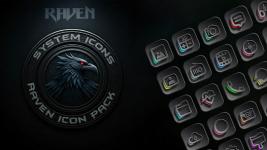
Raven Dark Icon Pack v1.2.6 [Premium]
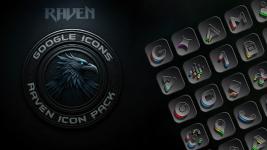
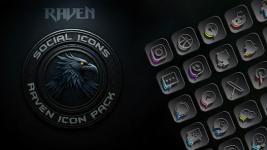
Raven Dark Icon Pack is a minimalist, dark-themed customization package for Android devices, featuring a high-resolution aesthetic based on deep blacks, greys, and vibrant accents.App Specifications
| Feature | Details |
|---|---|
| Version | v1.2.6 [Patched/Premium] |
| Android Requirement | 5.0 and up |
| Total Icon Count | 6852 |
| Wallpapers | 15 Cloud-based dark wallpapers |
| Design Style | Minimalist, dark-themed, high-resolution |
Core Features
- Extensive Icon Library: Includes over 6800 icons with alternate designs for popular applications.
- Icon Request Tool: Built-in utility to request icons for currently unsupported applications.
- Aesthetic: Focuses on nocturnal landscapes and visual harmony with a modern UI.
- Updates: Regular revisions based on user requests and new app releases.
Compatibility
| Application Method | Supported Launchers |
|---|---|
| Direct Apply | Action, ADW, Apex, Atom, Aviate, CM Theme Engine, GO, Holo, Holo HD, LG Home, Lucid, M, Mini, Next, Nougat, Nova (Recommended), Smart, Solo, V, Zero, ABC, Evie, L, Lawnchair |
| Via Launcher Settings | Arrow, ASAP, Cobo, Line, Mesh, Peek, Z, Launch by Quixey, iTop, KK, MN, New, S, Open, Flick, Poco, Niagara |
System Specifics
- Samsung One UI: Requires Android 12 (One UI 4.0 or newer). Installation must be performed via the Theme Park app (available through Good Lock).
- Incompatibility: Google Now Launcher does not support third-party icon packs.
Changelog (v1.2.6)
- Added 143 new icons.
- Updated existing app icons for improved automatic home screen theming.
- Redesigned select icons to enhance visual clarity.
- Updated total icon count to 6852.
Installation Instructions
- Install a supported third-party launcher.
- Open Raven Dark Icon Pack and select "Apply."
- If the launcher is not listed in the "Apply" section, navigate to the launcher's internal settings to select the icon pack manually.