PH
PHMissFlawless
Established
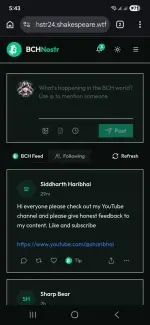
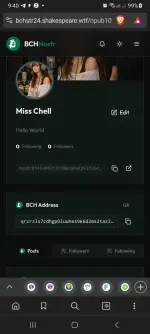
Come join the Bitcoin Cash social network!
Register here: You do not have permission to view the full content of this post. Log in or register now.
Get free BitcoinCash tips for your post. Just upload any texts, photos or videos.
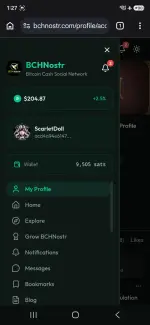
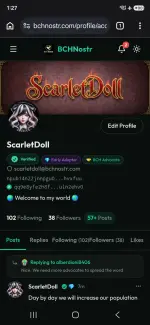
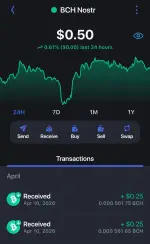
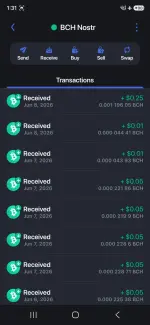
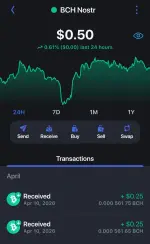
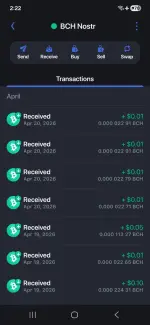
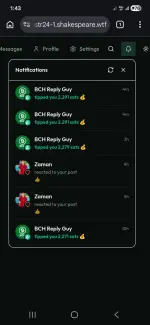
My proof of Earnings. I got these for free only.

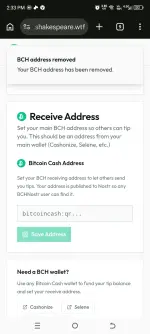
How to set-up your BCH Receiving address?
1. Go to settings
2. Select BCH Wallet
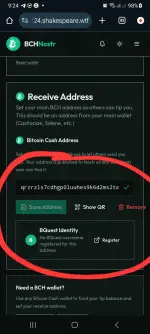
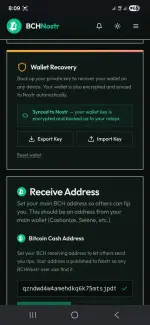
3. Scroll down until you see Receiving Address and paste in the blank box your Bitcoincash Receiving address.
Create your BCH Receiving Address here:
You do not have permission to view the full content of this post. Log in or register now.
4. If it has a green check after putting it then it's good.
Note: Save your Private Key because that will serve as your account password. You may get a copy of that in the settings and scroll down to Wallet Recovery, click export key. That will go to your downloads file.
Register here: You do not have permission to view the full content of this post. Log in or register now.
Get free BitcoinCash tips for your post. Just upload any texts, photos or videos.
My proof of Earnings. I got these for free only.
How to set-up your BCH Receiving address?
1. Go to settings
2. Select BCH Wallet
3. Scroll down until you see Receiving Address and paste in the blank box your Bitcoincash Receiving address.
Create your BCH Receiving Address here:
You do not have permission to view the full content of this post. Log in or register now.
4. If it has a green check after putting it then it's good.
Note: Save your Private Key because that will serve as your account password. You may get a copy of that in the settings and scroll down to Wallet Recovery, click export key. That will go to your downloads file.