 PH
PH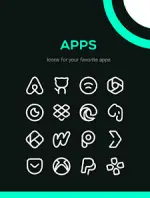

Linebit Light Icon Pack v1.8.8
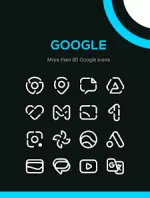
Linebit Light is a minimalist icon library for Android featuring white linear designs optimized for high-contrast visibility on dark, colorful, or gradient backgrounds.Specifications
| Category | Detail |
| Version | v1.8.8 [Patched] |
| Android Requirement | 5.0 and up |
| Icon Count | 5700+ |
| Wallpaper Count | 30 |
| Mod Features | Patched; Includes 12 Premium icons |
Key Features
- Dynamic Calendar Support: Icons update based on the current date.
- Icon Request System: Built-in tool for requesting unthemed icons.
- Wallpaper Collection: Includes 30 custom-designed wallpapers.
- Frequent Updates: Regular additions of new icons and system improvements.
Launcher Compatibility
| Type | Supported Launchers |
| Standard | Action, Apex, Flick, GO, Hyperion, Lawnchair, Lucid, Microsoft, Mint, Niagara, Nova, Pie, Smart |
| Samsung | Compatible via Good Lock (Theme Park) |
Installation Instructions
Standard Launchers:- Install a compatible launcher.
- Open Linebit Light and navigate to the Apply section.
- Select the active launcher from the list.
- Install Good Lock (Theme Park) from the Galaxy Store.
- Open Theme Park and navigate to Icon > Create New.
- Select Linebit Light, name the theme, and save.
- Select the saved pack and tap Apply.
Changelog (v1.8.8)
- 12 New icons added
- 12 Premium icons added
- Fixed application issues for specific icons