 PH
PH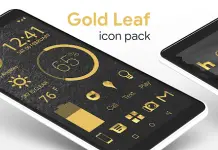
Gold Leaf Pro - Icon Pack v3.8.2
Gold Leaf is a minimalist, flat icon pack featuring handmade gold-textured designs with transparency elements. The icons are designed to blend with various backgrounds and include color-adjusted cloud-hosted wallpapers.App Specifications
| Category | Details |
| Version | v3.8.2 [Patched/Premium] |
| Android Requirement | 6.0 and up |
| Icon Resolution | 192x192 (XXXHDPI) |
| Hex Color Code | #deb550 |
Features
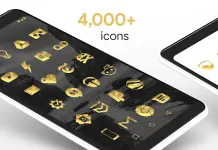
- Icon Library: 2,500+ handcrafted HD gold texture icons (Pro version includes 4,000+).
- Variations: Multiple designs for default system icons (Phone, Contacts, Camera, etc.).
- Wallpapers: 250+ color-adjusted wallpapers available via cloud-based wallpaper chooser.
- Widgets: Includes Analog Clock, Customizable Digital Clock, Battery, and Weather widgets.
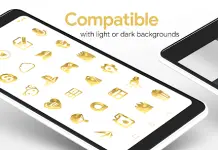
- Transparency: Partial transparency in icon designs to integrate with backgrounds.
- Automation: Muzei support for rotating wallpapers.
- Updates: Regular addition of new icons.
Compatibility
Recommended Launcher: Nova Launcher (Supports icon name search during manual application).Supported Launchers: | | | | | :--- | :--- | :--- | | Action | ADW | Apex | | Atom | Aviate | Evie* | | Go | Holo | Inspire | | KK | Lucid | Microsoft* | | Next | Nine | Poco | | Smart | Solo | Themer | | TSF | Yandex* | |
*Apply via launcher-specific settings.
Technical Instructions
Applying via Icon Pack Dashboard:- Open the Gold Leaf application.
- Navigate to the Apply tab.
- Select the desired launcher.
- Long-press an empty area on the home screen.
- Select Personalization/Theme options.
- Choose Gold Leaf from the icon pack list.
Battery Optimization: If widgets fail to update, ensure the app is excluded from system battery optimization settings.
What's New
- Updated Dashboard.
- Added 65 icons to Pro version.
- Added 33 icons to Free version.