 PH
PH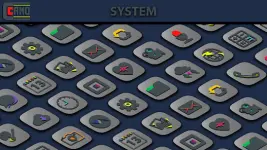
CAMO Light Icon Pack v1.7.5 [Patched]
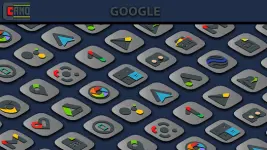
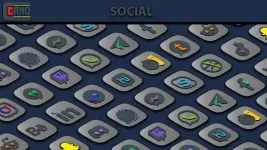
CAMO Light is a professional icon set featuring light, vibrant colors and a minimalist design aesthetic. It includes integrated masking for unthemed applications to maintain visual consistency.Technical Specifications
| Category | Details |
| Current Version | 1.7.5 |
| Total Icon Count | 8,183+ |
| OS Requirement | Android 5.0 and up |
| Wallpaper Count | 8 (Cloud-based, hand-crafted) |
| Dashboard | Slick Material Dashboard |
Core Features
- Design: Fresh, creative design using light and vibrant color palettes.
- Icon Masking: Automatic masking support for unthemed application icons.
- Dynamic Calendar: Support for system calendar icons.
- Customization: Multiple alternate icons for app drawers, folders, and system apps.
- Requests: Built-in tool for missing icon requests.
- Wallpapers: Hand-crafted, light-themed wallpapers stored in the cloud.
Launcher Compatibility
| Support Level | Compatible Launchers |
| Direct Apply | Action, ADW, Apex, Atom, Aviate, CM Theme Engine, GO, Holo, Holo HD, LG Home, Lucid, M, Mini, Next, Nougat, Nova (Recommended), Smart, Solo, V, ZenUI, Zero, ABC, Evie, L, Lawnchair |
| Via Launcher Settings | Arrow, ASAP, Cobo, Line, Mesh, Peek, Z, Launch by Quixey, iTop, KK, MN, New, S, Open, Flick, Poco, Niagara |
| Not Supported | Google Now Launcher |
Installation Guide
- Install a compatible third-party launcher.
- Open CAMO Light Icon Pack.
- Navigate to the Apply section and select your launcher.
- If the launcher is not listed, apply the icon pack manually via the specific launcher's internal theme/icon settings.
What's New in v1.7.5
- Added 89 new icons.
- Updated existing app icons for improved home screen theming.
- Redesigned select icons for enhanced visual clarity.
- Total icon database expanded to 8,183.