 PH
PH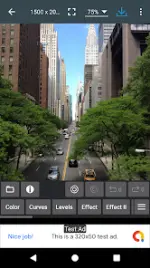
App Specifications
| Attribute | Details |
| Version | 12.7 |
| Requirements | Android 8.0 and up |
Overview
Photo Editor provides professional-grade image editing capabilities on mobile devices, offering a toolset comparable to PC software. It features a touch and pinch-to-zoom interface for precise control.Core Features
- Color Adjustments: Exposure, brightness, contrast, saturation, temperature, tint, and hue.
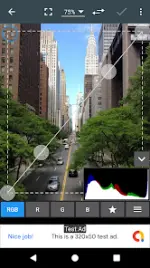
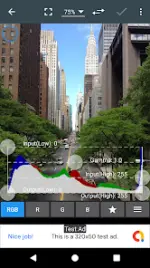
- Advanced Correction: Curves, levels, perspective, lens, red-eye, white balance, and backlight.
- Effects: Gamma correction, auto contrast, auto tone, vibrance, blur, sharpen, oil paint, sketch, black & white, high contrast, sepia, and more.
- Content Tools: Addition of text, images, and shapes; Frame, Denoise, Drawing, Pixel, Clone, and Cut Out tools.
- Transformation: Rotation, straighten, crop, and resize.
- Metadata Management: View, edit, and delete EXIF, IPTC, and XMP data.
- Batch Processing: Batch crop (puzzle), compress to ZIP, create PDF, and animated GIF creation.
- Utility Features: Webpage capture, video capture, PDF capture, compare photos, GIF frame extractor, and SVG rasterizer.
- Export Options: Save as JPEG, PNG, GIF, WebP, or PDF to gallery, SD card, or set as wallpaper.
Version 12.7 Changelog
- Improved text and image handling.
- Addressed crashes and general bug fixes.
Mod Details
- Status: Fully unlocked.
- Premium Features: Ad-free experience enabled; ρáíd features unlocked.
- Technical: Debug information removed.