 PH
PH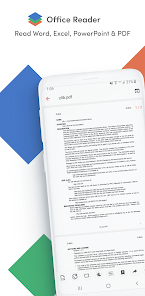
Office Reader - PDF, Word, Excel v4.6.6 [Pro]
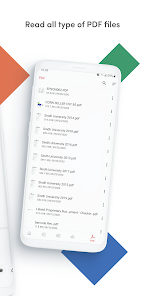
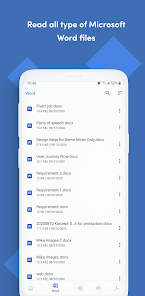
Office Reader is an offline document viewer for mobile devices running Android 8.0+. It provides comprehensive support for reading and viewing a wide range of document types, including office suites, source code, and eBooks.Technical Specifications
| Category | Details |
| Version | v4.6.6 [Pro] |
| Android Requirement | 8.0+ |
| Connectivity | Offline access supported |
| Core Features | Document viewing, format conversion, document scanning, folder navigation |
Supported File Formats
| Category | Extensions |
| Microsoft Office | DOC, DOCX, XLS, XLSX, PPT, PPTX |
| Standard Documents | PDF, RTF, CSV, TXT, TEXT, LOG |
| Web & Markup | HTML, XHTML, MD (Markdown), MML, MATHML |
| eBooks | EPUB, MOBI, AZW, AZW3, AZW4 |
| EML, MSG | |
| Programming | IPYNB, PGN, Source Codes (Java, KT, Scala, PY, RB, Dart, JS, TS, C, CPP, XML, YML, CSS, etc.) |
Security & Conversion Capabilities
Password Protection Support:- DOCX
- XLS, XLSX
- PPT, PPTX
| Original Format | Target Format |
| DOC, DOCX | PDF, TEXT |
| PPT, PPTX | PDF, TEXT |
| PDF (Rasterize), PPTX, TEXT | |
| RTF | |
| CSV | XLSX |
| HTML | |
| MD | |
| EML, MSG | |
| SOURCE CODES |
Interface & System Integration
- Folder Navigation: Direct file system access within the app.
- App Icon Shortcuts: Long-press the app icon to view the four most recently opened documents.
- Doc Scan: Integrated document scanning functionality.
Changelog (v4.6.6)
- Implemented bug fixes.
- Optimized performance.
- Pro features unlocked.