 PH
PH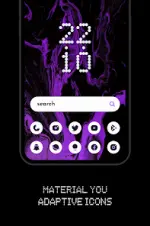
Everything Material You: Adaptive Icons (v2.5)
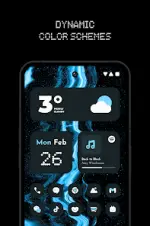
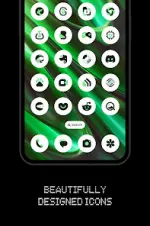
Everything Material You is an adaptive icon pack designed for custom launchers. The icons dynamically adjust colors based on system accents or wallpaper selection and support automated light/dark mode switching.Specifications
| Category | Details |
| Version | v2.5 [Patched] |
| Android Version | 12 and up (Required for color-shifting features) |
| Icon Count | 5600+ Adaptive Icons |
| Widgets | 12 Kustom Widgets (Requires KWGT/KWGT Pro) |
| Additional Content | Cloud-based Wallpapers, Icon Request Tool |
Compatibility & Launcher Support
| Manual Re-apply Required | Automatic Color Changing |
| Nothing Launcher | Lawnchair Launcher 12.1 Dev |
| Rootless Pixel Launcher | Hyperion Launcher |
| Shade Launcher | Niagara Launcher |
| Lean Launcher | Stario Launcher |
| Posidon Launcher | Nova Launcher |
| Action Launcher | Smart Launcher 6 |
| Motorola Launcher |
Implementation Guide
- Standard Setup: Install a supported launcher. Open the app, navigate to the Apply section, and select the active launcher. Alternatively, apply via the launcher's internal settings.
- Color/Theme Updates: For launchers without automatic updates, re-apply the icon pack (or toggle to a different pack and back) after changing wallpapers or system themes.
- Stock Launchers: * Pixel Launcher: Use via Shortcut Maker.
- One UI: Use via Theme Park.
Technical Notes and Disclaimer
- Color Logic: Dynamic color shifting is exclusive to Android 12+ environments.
- Widget Requirements: Kustom Widgets are not standalone and require KWGT and KWGT PRO.
- Changelog (v2.5): * Added 175 new icons.
- Resolved issues where specific icons failed to apply automatically.