 PH
PH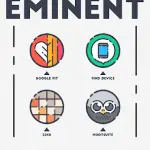

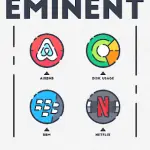
Eminent Icon Pack | v2.3.0 b29
Technical Specifications
| Category | Details |
| Version | v2.3.0 b29 [Patched/Premium] |
| Android Requirement | 5.0 and up |
| Icon Style | Round, Pixel-perfect design |
| Total Icons | 1840+ High-quality icons |
Key Features
- Design Assets: Alternative icons, folder icons, and custom-designed wallpapers optimized for light/dark themes.
- Functionality: Dynamic Calendar support and icon masking for unthemed applications.
- Interface: Material Dashboard with icon search, preview functionality, and an integrated icon request tool.
- Support: In-app help section and FAQ.
Launcher Compatibility & Configuration
| Compatibility | Supported Launchers |
| Recommended | Nova Launcher |
| Confirmed Support | Lawnchair, Microsoft, Smart, ADW, Action, Apex, Go, Poco, Evie, Next, Solo, Hyperion, Niagara, Total, CM Theme Engine |
| Note | May support additional launchers via manual application through launcher settings. |
Recommended Settings (Nova Launcher)
- Icon Normalization: Off
- Icon Size: 110% - 130%
Installation Instructions
- Install a supported launcher.
- Open the Eminent Icon Pack dashboard.
- Navigate to the Apply section and select the active launcher.
- If the launcher is not listed, apply the pack manually via the launcher's internal theme settings.
Changelog
- v2.3.0: Activity fixes.