 PH
PH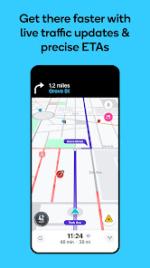
Waze: Community-Driven Navigation & Real-Time Traffic
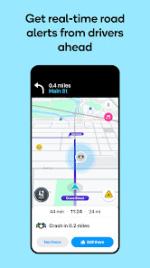
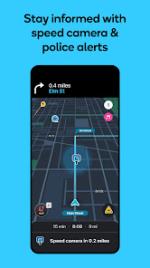
Waze functions as a professional-grade, community-driven navigation platform that leverages real-time crowdsourced data to optimize routing and transit efficiency. By aggregating passive GPS telemetry and active user reports, the application provides immediate updates on traffic congestion, road hazards, police presence, and infrastructure closures.Core Functionality
The system maintains high map accuracy through a dedicated network of community editors who perform frequent updates to the underlying geographic data. Key features include:- Dynamic Rerouting: An automated engine that adjusts paths in real-time based on shifting road conditions.
- Utility Integration: Local fuel price tracking, destination learning based on commuting patterns, and calendar synchronization.
- Social Coordination: Live ETA sharing and coordinated arrival tracking with contacts.
- Resource Management: Integrated power-save protocols that terminate background GPS processes during periods of inactivity.
Application Specifications
| Feature | Details |
| App Name | Waze Navigation & Live Traffic |
| Package Name | com.wten (Clone Version) |
| Modification | Independent Installation (Co-exists with Official App) |
| Platform | Android / Android Auto |
| Data Source | Real-time Crowdsourcing |
Technical Updates
- Performance Optimization: Resolved stability issues to improve routing efficiency.
- Bug Fixes: General refinements to the user interface and reporting systems.
- Traffic Logic: Enhanced algorithms for time-saving maneuvers and congestion avoidance.
Mod Implementation & Android Auto
This version is a Clone, utilizing the package namecom.wten. This allows the software to be installed simultaneously with the official version without conflict.Android Auto Compatibility: To utilize this version with Android Auto, the following configuration is required:
- Hardware: Use of an AAWireless adapter.
- Developer Options: Activate Developer Mode within the AAWireless application.
- Permissions: Ensure "Unknown Sources" is enabled within the Android Auto developer settings to allow the custom package to interface with the vehicle display.
Download