 PH
PHPara sa mga need activate Windows and Office nila sa Microsoft. ( Need Internet )
- Disable mo muna anti virus mo (lahat ng anti virus) e. g Windows Security
- Click the Start Menu, type PowerShell, and open it.
- Copy and paste the code below and press Enter.
see image 1:Code:irm https://get.activated.win | iex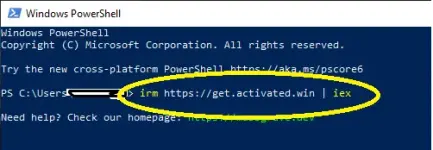
- Eto dapat lalabas
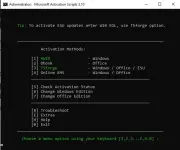 \
\ - Pili ka dyan kung ano i-activate mo.
Eto Guide:
HWID Windows 10-11 Permanent Yes Ohook Office Permanent No TSforge Windows / ESU / Office Permanent Yes, needed on build 26100 and later Online KMS Windows / Office 180 Days (Lifetime with renewal task) Yes
Check mo muna to ( Proof of Working )
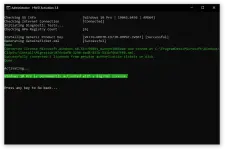
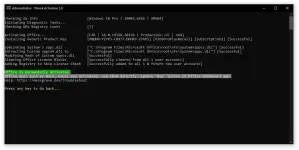
eto recent thread ko > https://phcorner.org/threads/microsoft-product-key-cmd-update-05-21-2024.1430588/
Feedback ka nalang idol.
