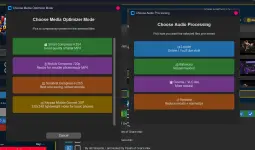
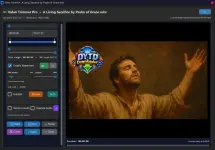
latest update :
You do not have permission to view the full content of this post.
Log in or register now.

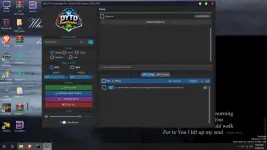
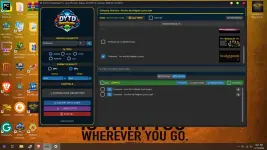
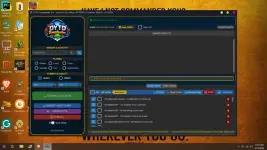
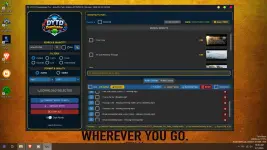
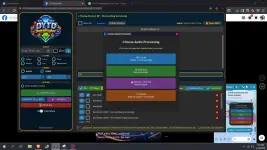
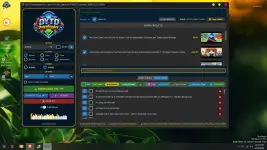
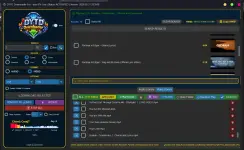
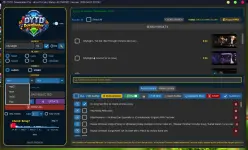
DYTD Downloader Pro – Simple Usage Guide
Advantages:
1.

Download videos and music from YouTube and other platforms.
2.

Supports multiple formats – MP3 (audio), MP4 (video), and other available formats depending on the source.
3. ⏱ Skip long files (over 6 minutes) automatically.
4.

Automatically handle duplicate files with Replace All or Skip All.
5.

Organize downloads by playlist or uploader.
6.

Track download progress with a clear progress bar.

Step-by-Step Usage:
1.

Search or Paste URL – Type keywords in the search bar or paste a video link.
2. 🎚 Choose Format – Select your preferred format (MP3, MP4, or other available options).
3. ⚙ Adjust Settings (Optional):
⏱ Check “≤6m” to skip long videos or songs.

Enable subfolders to organize downloads.
4. ⬇ Click Download – Start the download process.
5.

Handle Duplicates – If prompted, choose Replace All or Skip All.
6.
Wait for Completion – Monitor the progress bar.
7.

Enjoy Your File – Your downloaded file will be saved in the selected folder.
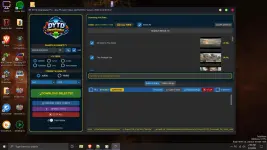
 PH
PH Bakit kapa mag copy paste url eh may auto naman .