PH
PH
Requirements
- EDU Email
- Google Account
- Valid Credit/Debit Card - Kung walang credit card, pwede mong gamitin ang personal debit card mo na walang laman. Kahit 0 balance yan pwede. I did mine using Maribank virtual card na 6 pesos lang ang laman
Updated Instructions
- Visit: You do not have permission to view the full content of this post. Log in or register now..
- Login using your personal account (outlook/hotmail).
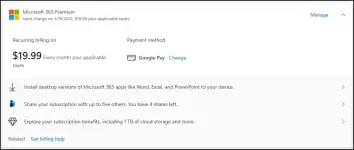
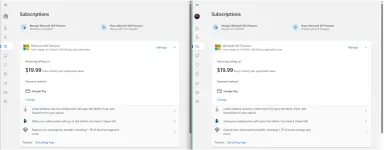
- Select Google Pay as the payment method.
- Verify EDU email address and input a billing address.
- Login using your Google account and add a card. Again, kahit walang laman ay pwede.
- Verify the card if needed then wait for it to be processed.
- Visit: You do not have permission to view the full content of this post. Log in or register now.. This is another offer.
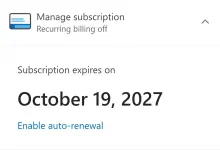
- Select Google Pay again and complete the payment. Your subscription will stack up.
- Kung mag-error, matuwa ka. Simple refresh the page or visit the link again. Try and try lang kasi the more na mag-error (yata) the more years ang madadagdag. Kapag nakailang errors ka na, palitan mo yung card na naka-linked sa Google Pay.
- Enjoy!!!
Spoiler contents are visible only to Established Members.
You do not have permission to view the full content of this post. Log in or register now.