PH
PH
FOLLOW THE INSTRUCTIONS

1. Run the ρá†ch and wait for the status in the console.

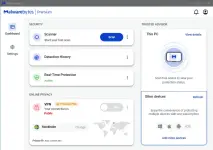
2. In the console when you see the status "waiting install 𝐌𝐚𝐥𝐰𝐚𝐫𝐞𝐛𝐲𝐭𝐞𝐬..." --> run MBSetup.exe and install 𝐌𝐚𝐥𝐰𝐚𝐫𝐞𝐛𝐲𝐭𝐞𝐬.
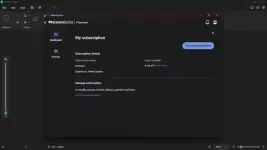
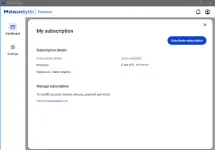
3. After installing 𝐌𝐚𝐥𝐰𝐚𝐫𝐞𝐛𝐲𝐭𝐞𝐬, in the console you will see the status "waiting exit 𝐌𝐚𝐥𝐰𝐚𝐫𝐞𝐛𝐲𝐭𝐞𝐬..." --> close 𝐌𝐚𝐥𝐰𝐚𝐫𝐞𝐛𝐲𝐭𝐞𝐬 in the tray, after which you will see the message "Enjoy Premium".
4. Enjoy

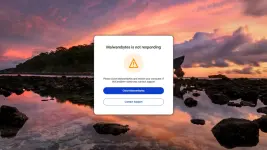
IMPORTANT: if 𝐌𝐚𝐥𝐰𝐚𝐫𝐞𝐛𝐲𝐭𝐞𝐬 was previously installed --> UNINSTALL and RESTART your computer, otherwise the ρá†ch will not work. Also recommended disable Windows Defender for the ρá†ch to work correctly.
Sometimes a message pops up "Unable to contact license server..." - this is due to the fact that the license server is specifically blocked in the hosts so that the license does not reset. Don't worry, the license still works. Just close the message box and try not to update 𝐌𝐚𝐥𝐰𝐚𝐫𝐞𝐛𝐲𝐭𝐞𝐬.
P.S. if you fail to get premium, just try again (sometimes it takes 3 tries), but before running the ρá†ch, be sure to uninstall 𝐌𝐚𝐥𝐰𝐚𝐫𝐞𝐛𝐲𝐭𝐞𝐬 and restart your computer.
DOWNLOAD LINK
You do not have permission to view the full content of this post. Log in or register now.