 PH
PHJayceejeez
Established
Sino po nakakarajas nito? Need help po sana may makatulong. Salamat po
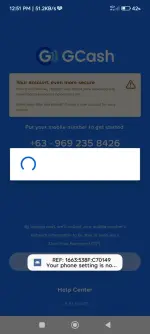
This is what I did when I had that same problem weeks ago.Same issues din 2 months nang ganyan akin, hindi naman ako nakadevelopers mode at non rooted user
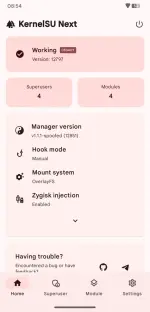
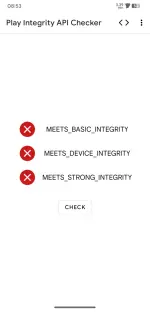
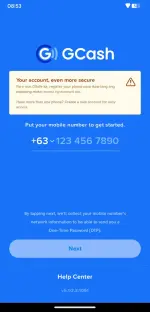
Another option for this? Wala kasing OEM unlocking na feature sa developer option ko. Samsung Galaxy note10 phone ko. Baka may makatulong. Salamat in advance.This is what I did when I had that same problem weeks ago.
1. Enabled Developer options first, then turned it ON.
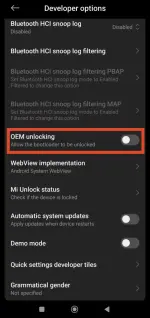
2. Scrolled to "OEM unlocking" then toggled it OFF.
View attachment 3924543
3. Turned OFF Developer options (an automatic prompt appeared that the device will need to restart for the changes to take effect).
4. Phone restarted/rebooted.
5. Opened GCash successfully!
I can confirm that it works for the latest GCash app v5.91.0:1077.
NOTE: My phone is unrooted and its bootloader is locked (untouched). So maybe this solution might not work for unlocked and/or rooted phones.