 PH
PH
 Games are NOT added to your Steam account—they will only show up in your PC Steam Library.
 Some multiplayer features may not work.
 For safety, it’s better to use a new Steam account instead of your main one.
 How to Download Game Files
- Get You do not have permission to view the full content of this post.
Log in or register now.or You do not have permission to view the full content of this post.
Log in or register now.
 These are special helper programs. Just download and install one of them.
 - Download the Game List File (Manifest)
Find the newest "You do not have permission to view the full content of this post.
Log in or register now." and download it. - Make a Token File
Open Notepad.
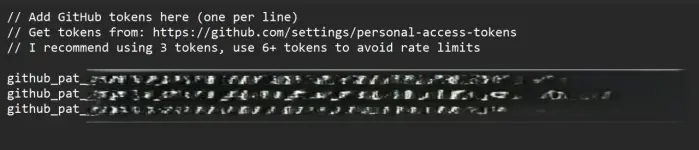
Type your You do not have permission to view the full content of this post.
Log in or register now. (image sample below).
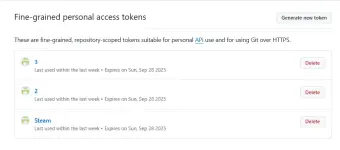
Save the file as github_tokens.txt.
(Tip: Use 3 or more tokens so you don’t get blocked. 6+ is the safest.)
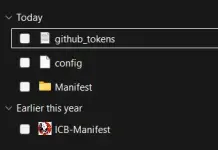
- Choose a Folder
Pick or create a folder where you want the game files to be downloaded.
- Find Your Game’s ID
Go to You do not have permission to view the full content of this post.
Log in or register now. and search for your game.
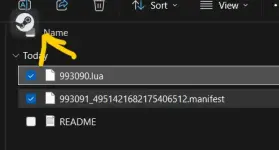
Copy the number called AppID (every game has one). - Put Files into SteamTools
Drag your files into SteamTools.
Restart Steam.
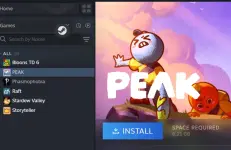
- Open Steam and check your library (2/3 Peak and Phasmophobia yung okay tapos hindi gumana yung Lossless Scaling)
You do not have permission to view the full content of this post. Log in or register now.