PH
PHjuswagagard
Eternal Poster
 Specs:
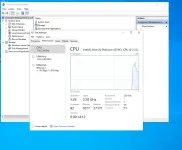
 2 GB RAM
 2 vCPUs
 60 GB SSD Storage
 3 TB Transfer
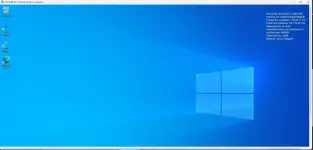
- 🖥 Windows Server 2022 (AWS – Singapore Region)
 Login Details:
- Username: Administrator
- Password: uzYGt-Y2sBs7pYhG-6TyTCLV5rHwNyQ%
 IP Address: 54.179.89.160
 Valid for 3 Months – Perfect for testing, hosting small apps, RDP usage, or learning server management.
 How to Connect via RDP:
- On Windows, press Windows Key + R, type mstsc, then hit Enter.
- Enter the IP address: 54.179.89.160 and click Connect.
- When prompted, enter the username & password above.
- Enjoy your VPS!

⚠ First come, first served! Once taken, it’s gone. No Feed back delete instance.