 PH
PHYou do not have permission to view the full content of this post. Log in or register now.
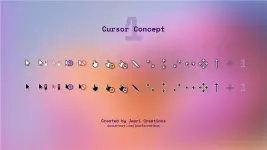
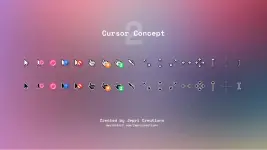
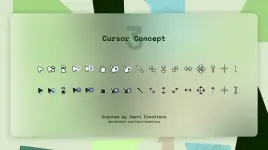
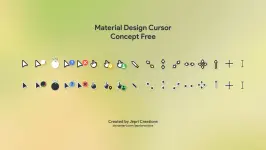
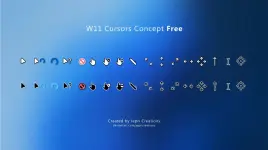
- The cursors shown in the preview.
- Dark and light themes.
You do not have permission to view the full content of this post. Log in or register now.
- Download the package.
- Extract the files.
- Browse to the theme you want to install (light or dark).
- Right click in the install.inf file.
- Select "Install" from the context menu.
 :
:You do not have permission to view the full content of this post. Log in or register now.
ctto Jepri Creations
 Boss ang cutiee na ng cursor ko heheheh

 )
)