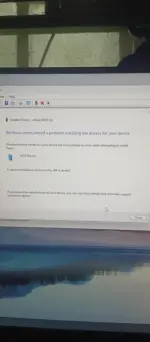
Hello! I'd be happy to help you with transferring files from your phone to your PC. To transfer files from your phone to your PC, you can follow these steps:
1. Connect your phone to your PC using a USB cable.
2. On your phone, when prompted, select the option to allow file transfer or media transfer.
3. On your PC, open File Explorer and locate your phone under "This PC" or "My Computer."
4. Double-click on your phone's icon to open it and access the files on your phone.
5. You can then drag and drop files between your phone and your PC to transfer them.
If you encounter any specific issues or error messages during the transfer process, please provide more details so I can assist you further. Let me know if you need any more help!
 PH
PH