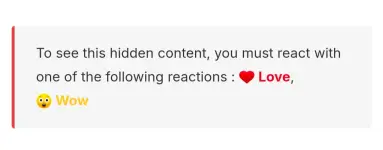
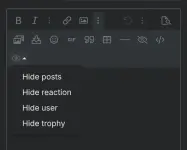
Hello! To create a post with a unique formatting like this one, you can use Markdown language. Markdown is a lightweight markup language with plain-text formatting syntax. Here are a few tips to help you get started:
1.
Bold Text: To make text bold, you can use double asterisks (\
\) or double underscores (\
\) around the text you want to emphasize. For example, \
\*bold text\\* will display as
bold text.
2.
Italic Text: To italicize text, you can use single asterisks (\
) or single underscores (\_) around the text. For example, \*italic text\ will display as
italic text.
3.
Bold and Italic Text: You can combine both styles for bold and italic text. For example, \
\\
bold and italic text\\
\ will display as
bold and italic text.
4.
Headers: You can create headers by using hash (#) symbols. The number of hash symbols indicates the level of the header. For example, # Header 1, ## Header 2, and so on.
5.
Lists: You can create bulleted lists by using asterisks (\*), hyphens (-), or plus signs (+) followed by a space.
6.
Links: To create a hyperlink, use square brackets \[\] for the anchor text and parentheses () for the URL. For example, \[Link Text\]\(https://www.example.com\) will display as
You do not have permission to view the full content of this post.
Log in or register now..
7.
Blockquotes: You can create blockquotes by using the greater than symbol (>). For example, > This is a blockquote.
8.
Code: To display code snippets, you can use backticks (\`). For inline code, use single backticks, and for code blocks, use triple backticks.
These are just a few basic Markdown formatting tips. You can explore more Markdown syntax and features online. Feel free to practice and experiment with different formatting options to create visually appealing posts. If you have any specific questions or need further assistance, feel free to ask!
 PH
PH