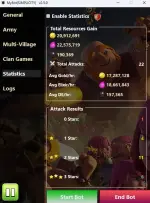
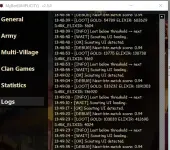
PH
PHBlack Penguin
Forum Veteran
Credits to the owner: You do not have permission to view the full content of this post.
Log in or register now.
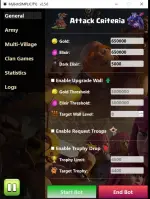
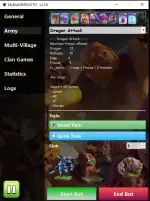
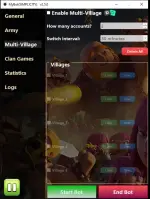
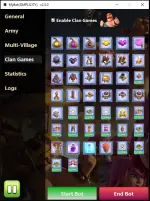
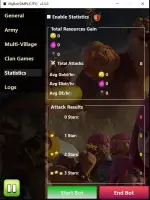
- Fixed some known bugs!
08/02/2025 v2.6.0 *
1. Extract Mybot(SIMPLICITY).zip
2. Open the MyBot (SIMPLICITY) folder
3. Look for Simplicity.exe or bot_gui.exe
4. Run it. Wait 5-10 seconds.
Note: Make sure Clash of Clans' language is set to ENGLISH.
-------------------------------------
08/25/2025
- Added support for LDPlayer
- Added support for Multi-instance LDPlayer
- Added support for Clan Capital
- Fixed some known bugs!
- Fixed bot cannot validate clan games even though it is active.
- improved wall detection
- improve GUI
08/02/2025 v2.6.0 *
- Added support for Azure Dragon
- NEW System for Upgrading walls!
- Fixed bot can't find walls when "username" is not ASCII Characters or Alphabet.
Emulators & Game Installation:- Emulators:
- You do not have permission to view the full content of this post. Log in or register now. -> MEmu
- You do not have permission to view the full content of this post.
Log in or register now. -> BlueStacks
- Download the "Pie 64-bit."
- You do not have permission to view the full content of this post.
Log in or register now. ->LDPlayer
- Make sure to set the LANGUAGE to ENGLISH when downloading the bot from the web so it downloads the correct version of the emulator!
- Clash of Clans 17.360.27 APK:
- You do not have permission to view the full content of this post. Log in or register now.
- MyBot (SIMPLICITY) v3.0.1:
- You do not have permission to view the full content of this post. Log in or register now.
Important: Ensure you install Clash of Clans from the link provided above for optimal bot compatibility.
-------------------------------------
Setup:1. Extract Mybot(SIMPLICITY).zip
2. Open the MyBot (SIMPLICITY) folder
3. Look for Simplicity.exe or bot_gui.exe
4. Run it. Wait 5-10 seconds.
Note: Make sure Clash of Clans' language is set to ENGLISH.