PH
PH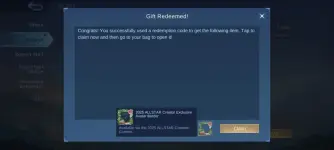
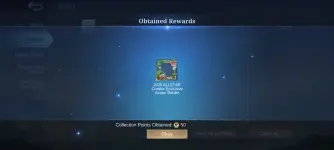
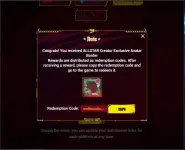
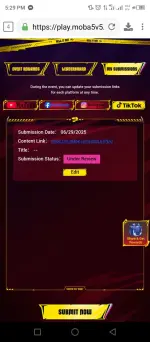
If you are confuse on my instructions just follow the photos attached for better clarification on event.
1. Go to this link:
You do not have permission to view the full content of this post. Log in or register now.
2. Click "Login with verification code" to access the event. Fill up the details needed:
2.A. Enter your "Game ID" and "Server ID" , Click "GET CODE", open your ml account for the code needed to fill up in "VERIFICATION CODE" then just click "SIGN IN"
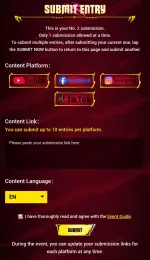
3. Click "SUBMIT NOW"
3.A. But before that you "submit now", you must first create a post using any of this: fb, yt, ig or tiktok with the hashtag #MLBBCreator#MLBBALLSTAR
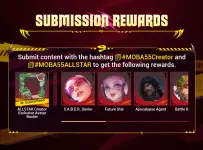
3.B. Then do this next step: Copy the link of the post on where social media you made and paste it on the content link box then submit and now you will get the redeem code after it and all you have to do is redeem it on the official moonton site below.
Redeem here at official moonton site:
You do not have permission to view the full content of this post. Log in or register now.
or
Go to Profile > Settings > Redemption Code
Feedback na din po. Salamat.

Follow me for more new redeem codes to come.