PH
PHPHC-Sukehiro
Forum Expert
Installation Tutorial:
Download the installer here: (Google Drive link)
Download
Installation Video Tutorial:
Spoiler contents are visible only to Established Members.
Unzip the file
Password: 123
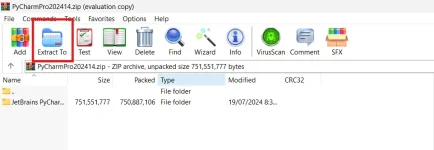
Open the installer and install according to your preferences

Open the unzipped folder

Copy and paste 'ja-netfilter-all' folder to your C drive
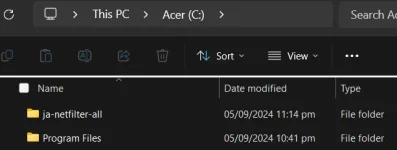
Open the file you pasted then open 'scripts'

Then open install-all-users

You will encounter a message that tells you that the execution of this file may take a few moments.
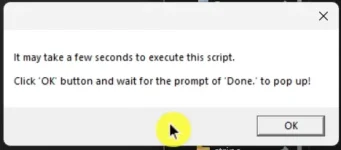
Click the ok button and wait until you get the second message (Done), which is the execution confirmation message.
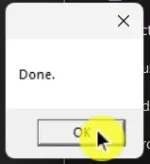
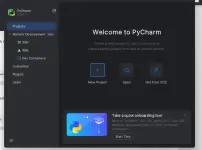
Now open Pycharm and the login window will appear
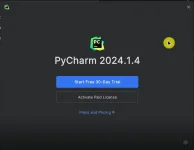
Just close PyCharm and open it again
There you go!

Please feedback if this helps you. Enjoy!