 PH
PH- STEP 1: How to Create account and get Api Key in TMDB(The Movie Database)
1.) Create account here: You do not have permission to view the full content of this post. Log in or register now.
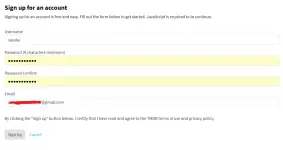
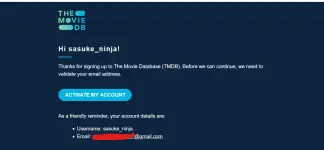
2.) Upon Signup, an Activation link will be sent to your email.
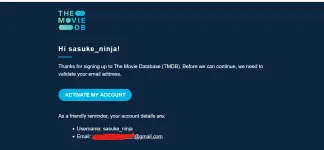
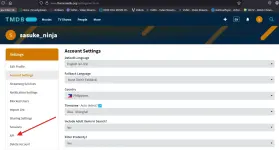
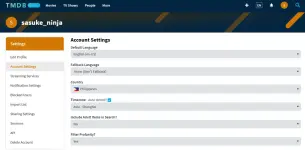
3.) After Activation done. Click to your Profile(top right) and select "Api Subscription"

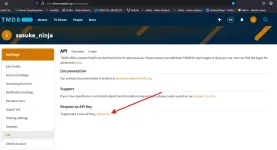
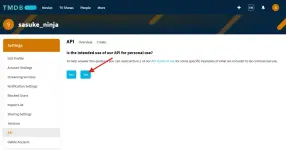
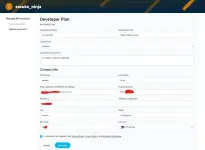
4.) Click "Access your API key details here." to get your own Api Key.
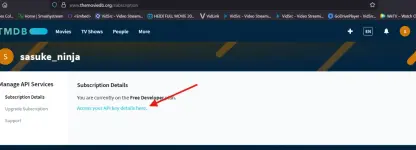
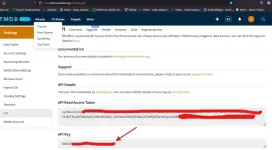
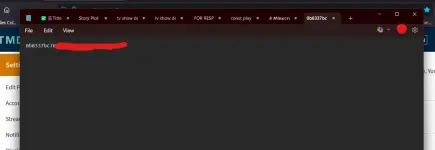
5.) Save your Api Key, we will use it to fetch movie & series details. Copy & paste your Api key in notepad.
--------------------------------------------------END OF STEP 1-----------------------------------------------------
- STEP 2: How to create account and host your Website in GitHub
1.) First is to download website files here: You do not have permission to view the full content of this post. Log in or register now.
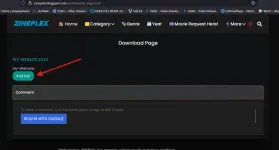
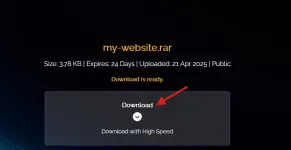
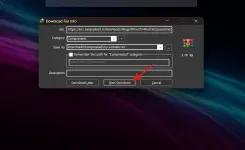
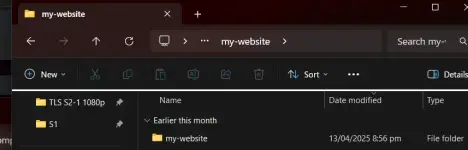
2.) Next is to extract rar file. Open "my-website" folder. Take note, yang folder na yan ang iupload natin
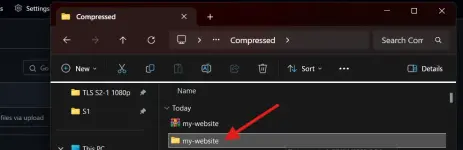
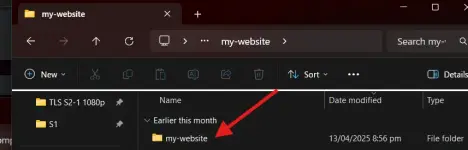
3.) Create account here: You do not have permission to view the full content of this post. Log in or register now.
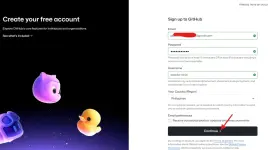
4.) Upon Signup, Go to Dashboard.
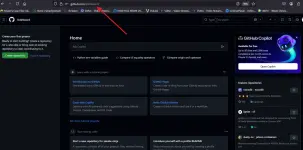
5.) Click "Create repository"
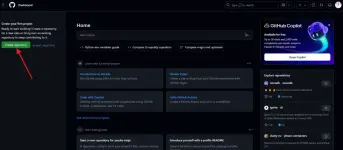
6.) Fill up "Repository name*" with whatever name you want (example flixmovies)
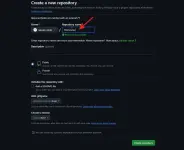
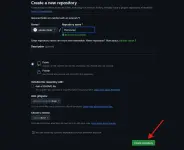
7.) Then Click "Create Repository".
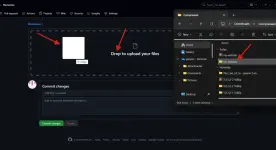
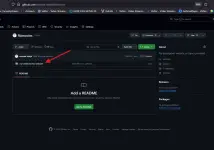
8.) Find and click "uploading an existing file".
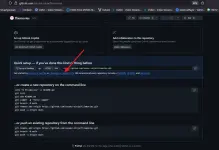
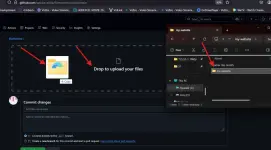
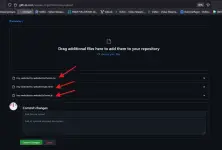
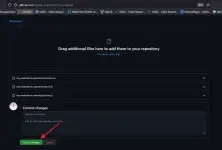
9.) Go to your extracted file and drag the folder to upload
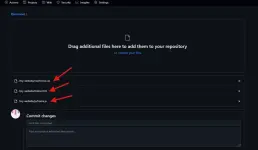
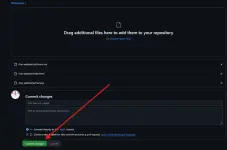
10.) After uploading, click "Commit Changes"
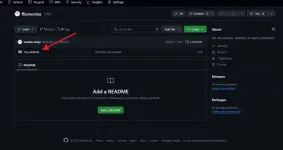
11.) Wait files to be uploaded atleast 5mins and your done.
-----------------------------------------------------END OF STEP 2-------------------------------------------------

 ,
,