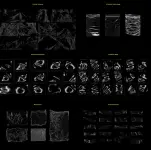
The PSD comes with plastic textures united in one file: you just need to switch the given layers in order to find the required look for your graphics.
The JPEG textures are separate files with a black background. To make a Photoshop overlay with any of them, place the chosen plastic texture on the object/design you have opened in Photoshop and set the layer's blending mode "Screen" (it's placed above the layers panel, to the left from the Opacity settings). These JPEG textures are versatile via free transform operations: you can modify them without losing the quality of an image.
 PH
PH