 PH
PHWSODownload
Established
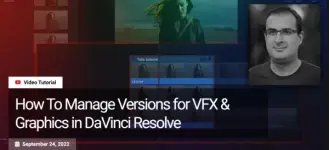
Free Download How To Manage Versions for VFX & Graphics in DaVinci Resolve by Mixinglight Team
The take selector is one of those little unsung hero features in Resolve. It's incredibly useful, yet not everyone knows it exists or how to use it effectively in VFX workflows. Whether you're working with multiple VFX versions, graphics, or languages, the take selector can help you stay organized and efficient.
Key Takeaways From This Insight:
By the end of this tutorial, you will understand:
- How to access the take selector in DaVinci Resolve.
- How to add takes and switch between them to display different VFX versions.
- Why the take selector simplifies the management of VFX shots using the same grade.
- Techniques for adjusting timing and finalizing takes.
- An alternate use of the take selector for managing promo graphics.
Content Source: You do not have permission to view the full content of this post. Log in or register now.
Links are Interchangeable - No Password - Single ExtractionTakeFile
You do not have permission to view the full content of this post. Log in or register now.
Rapidgator
You do not have permission to view the full content of this post. Log in or register now.
Fikper
You do not have permission to view the full content of this post. Log in or register now.