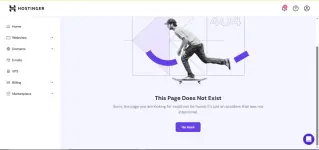
Hello! I'm sorry to hear that you are having trouble accessing the file manager on Hostinger. There could be various reasons why you are experiencing this issue. Here are a few things you can try to troubleshoot the problem:
1. Clear your browser cache and cookies: Sometimes, stored data in your browser can cause issues with loading certain elements of a website. Clearing the cache and cookies might help resolve the problem.
2. Check your internet connection: Ensure that your internet connection is stable and working properly. A weak or intermittent connection can cause difficulties in loading web pages.
3. Try accessing the file manager from a different browser or device: It is possible that the issue is specific to the browser or device you are using. Try accessing Hostinger from a different browser or device to see if the problem persists.
4. Contact Hostinger support: If you have tried the above steps and are still unable to access the file manager, it's best to reach out to Hostinger's support team for assistance. They will be able to investigate the issue further and provide you with a solution.
If you have any other questions or need further assistance, feel free to ask!
 PH
PH