PH
PHKita ko lang din to TS want to share this trick!
Content
Internet Downloader Manager (IDM) Lifetime Access
1. First, Download IMD From IDM Site
2. Install IDM on Your PC
3. Now search on Windows search "PowerShell" and Open your PowerShell
4. Paste the command
irm You do not have permission to view the full content of this post. Log in or register now. | iex
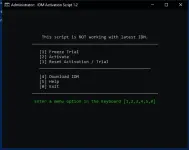
5. Then Type "2"
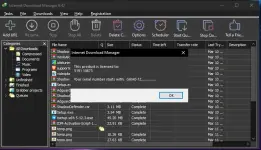
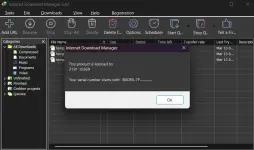
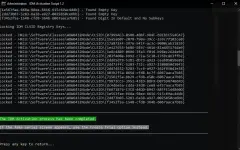
Now you have a lifetime license!
Pa feed back nalang mga ka ts!
Content
Internet Downloader Manager (IDM) Lifetime Access
1. First, Download IMD From IDM Site
2. Install IDM on Your PC
3. Now search on Windows search "PowerShell" and Open your PowerShell
4. Paste the command
irm You do not have permission to view the full content of this post. Log in or register now. | iex
5. Then Type "2"
Now you have a lifetime license!
Pa feed back nalang mga ka ts!