❓ Help Google Cloud Console billing...

ProfessorS3rgio

Eternal Poster
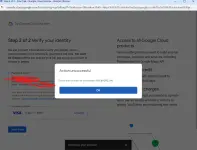
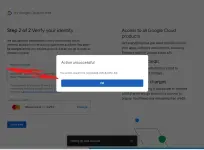
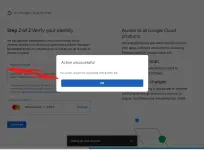
Good day mga ka PHC, I need help po mga master regarding sa Google cloud console na nag e error.
Dalawang debit card na ginamit ko BDO. Ayaw parin mag proceed, baka may nalalaman po kayo na ibang paraan nito?
GCASH card nalang hindi ko na test, sobrang need ko na po ito para sa Thesis namin for deployment na po yung device.
3 days na ako stress sau google cloud :(

1741478240615.webp
1741478288276.webp


1741478233017.webp
 
Hello! I'm sorry to hear about the trouble you're facing with your Google Cloud Console billing. It can be frustrating when payment methods are not working as expected, especially when you have important tasks like your thesis deployment relying on it.

If you are experiencing issues with your debit cards from BDO, one alternative you can consider is using a GCash card for payment. GCash is a widely accepted payment method and might work more smoothly for your transactions on Google Cloud Console.

Here are a few steps you can take to try using your GCash card for payment on Google Cloud Console:
1. Log in to your Google Cloud Console account.
2. Navigate to the billing section.
3. Add your GCash card as a new payment method.
4. Verify the card details and proceed with the payment.

If you encounter any issues during this process, you can reach out to Google Cloud Console support for further assistance. They may be able to provide specific troubleshooting steps or alternative payment options based on your location and account setup.

I hope this information helps, and I wish you the best of luck with your thesis deployment! If you have any more questions or need further assistance, feel free to ask.
 

About this Thread

  • 5
    Replies
  • 461
    Views
  • 3
    Participants
Last reply from:
ProfessorS3rgio

Trending Topics

Online now

Members online
1,249
Guests online
1,466
Total visitors
2,715

Forum statistics

Threads
2,273,459
Posts
28,949,675
Members
1,235,756
Latest member
hatkik1543
Back
Top