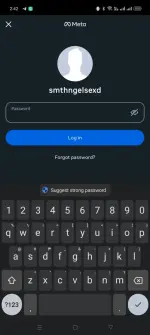
Hello! It seems like you're having trouble logging into your Instagram account. One common reason for suddenly being logged out and then not being able to log back in could be due to a possible security issue. Here are some steps you can try to regain access to your account:
1. Reset your password: Click on the "Forgot password?" link on the login screen of Instagram. Follow the instructions to reset your password. Make sure to choose a strong and unique password.
2. Check for any email notifications from Instagram: Sometimes, Instagram sends out emails if they detect any unusual login attempts or suspicious activity on your account. Check your email inbox (including spam folder) for any messages from Instagram.
3. Contact Instagram support: If you're still unable to access your account after trying the above steps, you can reach out to Instagram's support team for further assistance. You can report the issue through the app or visit Instagram's Help Center for more options.
4. Secure your account: Once you regain access to your account, consider enabling two-factor authentication for added security. This will require a code sent to your phone number or email whenever you log in from a new device.
I hope these suggestions help you resolve the issue with your Instagram account. Let me know if you need more assistance or have any other questions!
 PH
PH