 PH
PH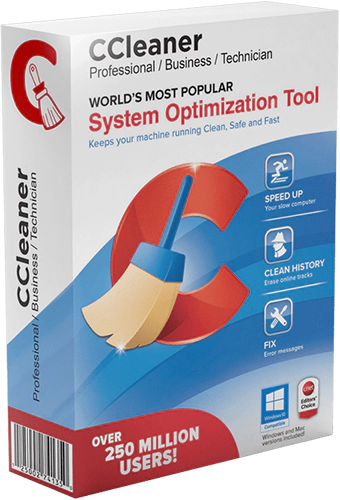
CCleaner cleans the following components:
- Internet Explorer
- Cart
- The Clipboard
- Temporary Windows files
- Windows Logs
- The list of recent documents (in the Start menu)
- The history of executed commands (Start)
- The history of the assistant search in Windows XP
- Obsolete Data Prefetch in Windows XP
- Memory dumps after crashes Windows
- Chkdsk file fragments
- The cache priority menu
- Cash Tray posts
- The cache sizes and locations Windows
- The history of aid to the user
- IIS log files
- Additional Folders
- New Browser Plugins section for browser start up management.
- Improved Google Chrome and Opera session cleaning.
- Improved Disk Analyzer file scanning process.
- Improved TeamViewer and PDF Creator cleaning.
- Updated exception handling and reporting architecture.
- Updated various translations.
- Minor GUI improvements.
- Minor bug fixes.
- File Name: CCleaner Professional
- Developer: You do not have permission to view the full content of this post. Log in or register now.
- License Type: full_version
- Version: v6.32.11432
- Uploaded by: Gigapurbalingga Team
- Supported Operating System: Windows 11, Windows 10, Windows 8.1, Windows 7.
- Required RAM: 2 Gigabytes RAM (4 GB recommended).
- Required Storage: 500 MB or more.
- Download dan ekstrak file “CCleaner Pro Full Version” ini.
- Ekstrak juga file keygen yang berada di dalam folder tersebut.
- Instal programnya seperti biasa.
- Buka folder keygen, lalu jalankan file keygen dengan cara klik kanan >> run as administrator.
- Klik Generate.
- Gunakan serial dari keygen untuk proses registrasinya. Nanti jika diminta memasukan nama, silahkan isi dengan bebas.
- Blok aplikasinya dengan firewall.
- Done.
You do not have permission to view the full content of this post.
Log in or register now.