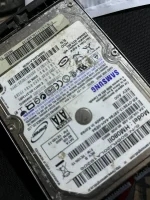
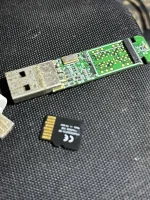
I'm sorry to hear about the issues you're facing with your hard drive. It's important to take the right steps to either repair the drive or extract the important data from it. Here are some recommendations and guidance based on your query:
1. Hard Drive Repair:
- If you are looking for a reliable service center or technician who specializes in hard drive repair, it's recommended to search for local computer repair shops or data recovery services in your area. Look for reputable companies with experience in handling data storage devices.
- Before choosing a service center, read reviews, check their track record, and inquire about their success rates in repairing hard drives.
2. Data Recovery Services:
- In case the hard drive cannot be fixed through repair, data recovery services can help retrieve your important files. These services specialize in recovering data from damaged or malfunctioning storage devices.
- Consider reaching out to professional data recovery companies that offer services tailored to your specific situation. They have advanced tools and expertise to extract data safely.
3. DIY Solutions:
- If you are inclined to explore DIY solutions before seeking professional help, be cautious as improper handling can further damage the drive and risk data loss.
- Common DIY methods include using data recovery software, connecting the drive externally to another computer, or troubleshooting basic hardware issues. However, these methods are not guaranteed and may not be suitable for severe drive failures.
4. Thumb Drive Powering Issue:
- It seems like you mentioned a separate issue with a thumb drive not powering. If you are facing power-related problems with your thumb drive, ensure that you try different USB ports or computers to rule out connectivity issues.
- If the thumb drive still doesn't power on, it might have a hardware fault. In this case, professional data recovery services can assist in retrieving data if the drive is not functioning.
Remember to prioritize the safety of your data during any repair or recovery attempts. If the information on your hard drive is critical, it's advisable to seek professional assistance to avoid further data loss. Good luck with resolving the issues with your storage devices!
 PH
PH